
Blog
Digital marketing checklist for restaurants: boost local visibility
Follow this digital marketing checklist built for U.S. restaurant owners to boost local visibility, attract more customers, and drive measurable growth fast.
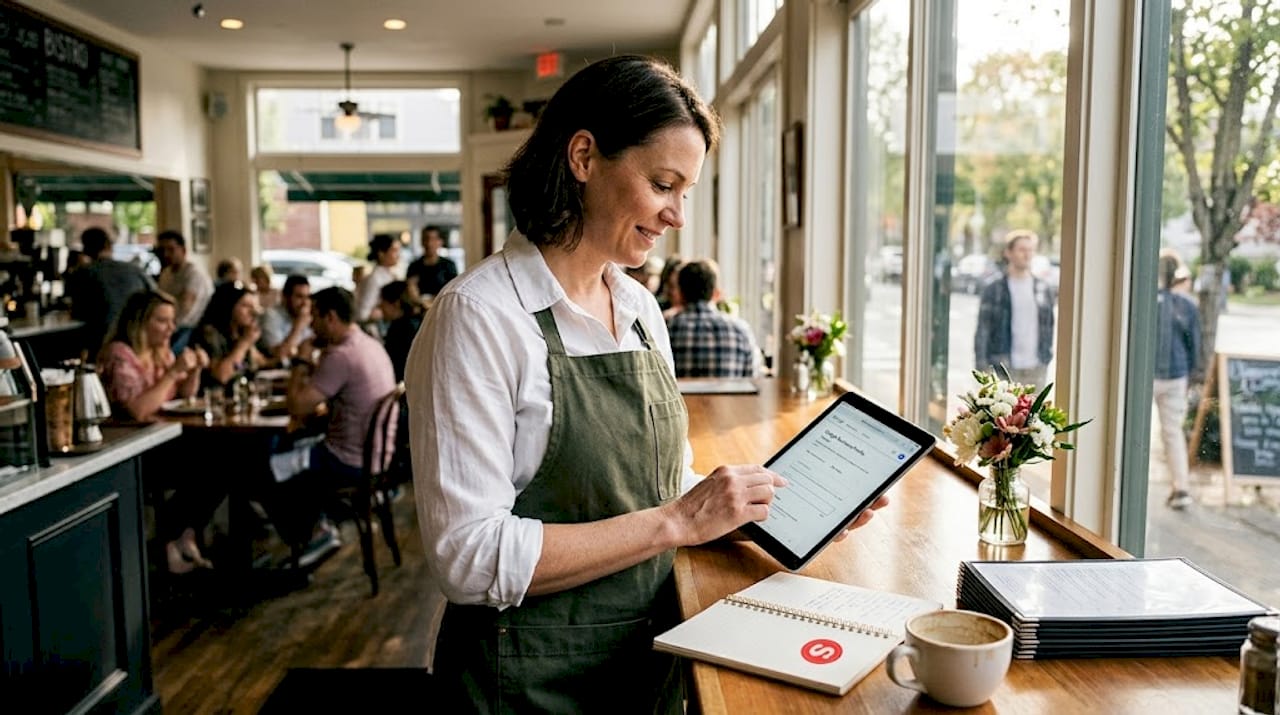
Digital marketing checklist for restaurants: boost local visibility
TL;DR:
- Optimizing and actively managing your Google Business Profile is crucial for local restaurant visibility.
- Consistently updating menus, photos, and responding to reviews boosts search rankings.
- Running targeted local campaigns on Google and social media drives quick customer engagement.
Digital marketing checklist for restaurants: boost local visibility
Running a restaurant in a competitive U.S. city means wearing a hundred hats at once. When it comes to digital marketing, the sheer number of platforms, tactics, and tools can make even seasoned owners freeze up. What actually moves the needle? Where do you spend your limited time and budget? This checklist cuts through the noise and focuses on the strategies proven to drive real local visibility and bring more customers through your door. Whether you manage a single neighborhood spot or a multi-location operation, these steps are built to deliver measurable results fast.
Table of Contents
- Start with your Google Business Profile essentials
- Optimize your menu, photos, and ordering options online
- Boost discovery with local SEO and review management
- Promote offers with local campaigns and social media
- Why focusing on the basics trumps chasing trends
- Simplify your digital marketing with expert tools and support
- Frequently asked questions
Key Takeaways
| Point | Details |
|---|---|
| Claim and complete GBP | Your Google Business Profile is the foundation of all digital marketing efforts and can dramatically increase your restaurant’s local visibility. |
| Keep menu and photos fresh | Updating menus and photos online is crucial for attracting and converting local searchers to customers. |
| Engage with reviews | Responding to and managing reviews builds credibility and helps you stand out in local search results. |
| Leverage local campaigns | Strategic local ads and social posts turn online interest into real-life reservations and visits for your restaurant. |
Start with your Google Business Profile essentials
If you do only one thing this month, make it your Google Business Profile. This free tool is your most powerful local marketing asset and most restaurants are using it poorly or not at all. Think of your Google Business Profile (GBP) as your storefront on Google Search and Maps. When someone searches for “best tacos near me” or “Italian dinner downtown Chicago,” your GBP is what shows up first. A complete, accurate, and active profile is what separates restaurants that get discovered from those that get ignored.
The first step is verification. A verified listing tells Google and your customers that the business is real and active. Once verified, accuracy is everything. Your name, address, phone number, and hours need to match exactly across every platform you use. Even a small inconsistency, like abbreviating “Street” to “St.” on one platform and spelling it out on another, can weaken your local search ranking.
Here is what a fully optimized GBP looks like:
- Business name: matches your real-world signage and website exactly
- Categories: choose a primary category like “Mexican Restaurant” and add secondary ones that reflect your menu
- Hours: updated for every holiday, special event, or seasonal change
- Photos: fresh images of your dishes, dining room, bar, and kitchen staff
- Menu: linked or built directly inside GBP using the menu editor
- Online ordering and reservations: connected and live via Order with Google or Reserve with Google
- Posts: published at least twice a week to highlight specials, events, or limited offers
- Review responses: replied to within 48 hours for every review, positive or negative
According to Google Business Profile Help, the best practice is to verify your listing, fill all core business information, and use GBP features like menu editor, online ordering and reservations, photos, posts, and review responses to maximize local visibility. These aren’t optional extras. They are baseline requirements for being competitive in local search.
Pro Tip: Use GBP’s built-in insights dashboard to track how many people clicked your menu link, requested directions, or tapped your phone number. These numbers tell you exactly which parts of your profile are working and which need more attention. If menu clicks are low, your menu photos might need upgrading.
A restaurant that keeps its Google Business Profile updated regularly will consistently outrank competitors with newer websites but neglected profiles. Consistency and activity signal trustworthiness to Google’s algorithm.
Start optimizing your business listing before touching anything else. And if you want a deeper breakdown of every setting and feature, the optimize Google My Business guide walks through the 2026 best practices step by step.
Optimize your menu, photos, and ordering options online
Your Google Business Profile is only as powerful as the content inside it. Once the foundation is in place, your focus shifts to the three assets that most directly drive customer decisions: your menu, your photos, and your ordering integrations. These elements do the selling before a customer ever sets foot inside.
Here is a step-by-step process to optimize these three areas:
- Open the GBP menu editor and add every item with accurate names, descriptions, and prices. Group items by category (appetizers, mains, desserts) so they are easy to browse. Descriptions should be short but mouth-watering. “Slow-braised short rib with roasted garlic mash” performs better than “Beef entrée.”
- Upload at least 10 photos and refresh them monthly. Include hero shots of your top three dishes, at least two photos of your dining room, one of your bar or patio if you have one, and a team photo. Natural lighting almost always outperforms flash photography.
- Activate Order with Google if you offer takeout or delivery. This lets customers place orders directly from your Google listing without going to a third-party app. Fewer steps means more completed orders.
- Enable Reserve with Google if you accept reservations. Connecting your reservation software (like OpenTable or Resy) to GBP means customers can book a table right from the search results page.
- Check GBP analytics monthly and look at which photos get the most views, which menu categories get the most clicks, and whether order or reservation buttons are being tapped. Use this data to decide what to promote in your next round of GBP posts.
Here is a quick audit table to use during your monthly review:
| Asset | What to check | Update frequency |
|---|---|---|
| Menu items | Prices, descriptions, seasonal items | Monthly or when menu changes |
| Photos | Quality, relevance, freshness | Monthly |
| Ordering link | Works on mobile, correct platform | After any integration change |
| Reservation link | Live and bookable | After any software update |
| Business hours | Correct for holidays/events | Before every holiday |
As Google Business Profile Help confirms, restaurants should actively manage menu content and ensure ordering and reservation integrations are live, since GBP tracking includes menu clicks and bookings, allowing you to audit which profile elements drive revenue.
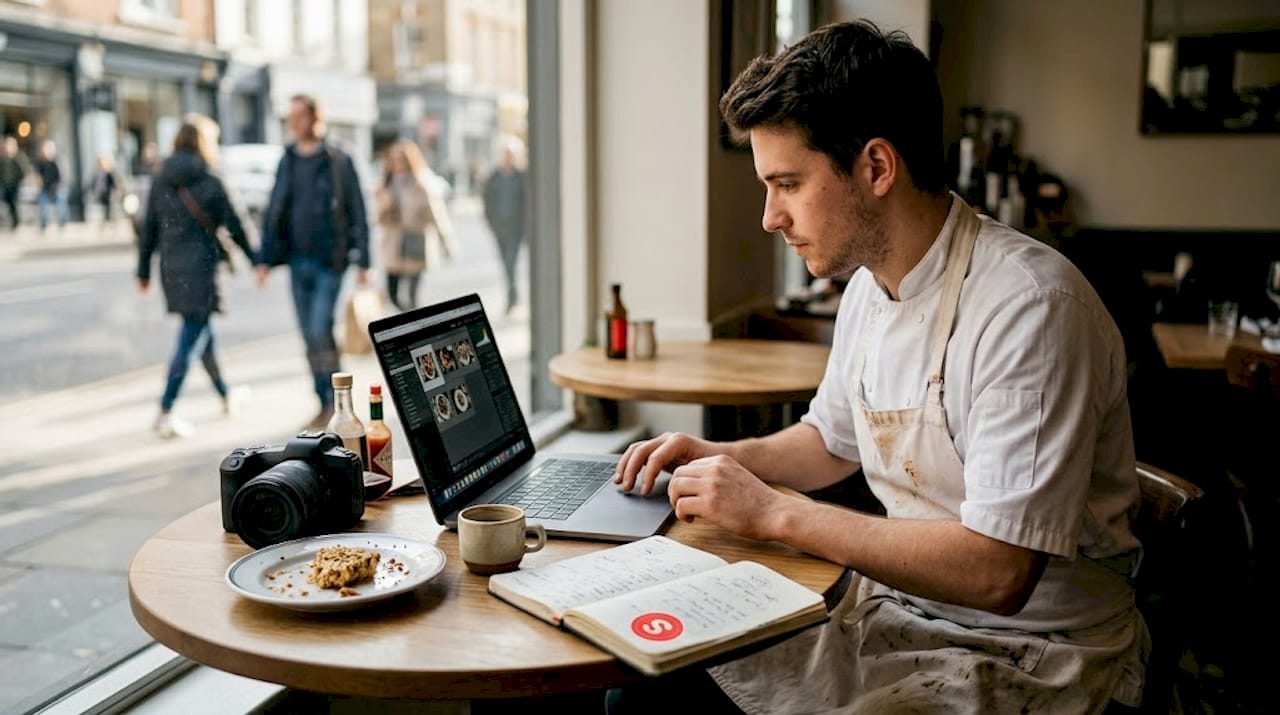
Pro Tip: Photos uploaded by the restaurant owner consistently outperform user-generated photos in terms of engagement. Take control of your visual story. A single great photo of your signature dish can increase menu clicks by a measurable amount over a month.
For a wider look at how these changes fit into your overall strategy, check out these restaurant visibility tips that connect your profile assets to local search performance.
Boost discovery with local SEO and review management
Having an optimized GBP is a strong start, but local SEO reaches further. Local SEO (search engine optimization for location-based searches) is how you show up consistently when nearby customers search for what you serve. It involves several overlapping actions that reinforce each other over time.
Citations are one of the most underrated local SEO tools. A citation is any online mention of your restaurant’s name, address, and phone number. Yelp, TripAdvisor, OpenTable, Bing Places, Apple Maps, and local city directories all count. The key is consistency. If your phone number is listed differently across six platforms, search engines lose confidence in your data and rank you lower.
Here is a step-by-step approach to citations and review management:
- Audit your listings on the top 10 directories (Google, Yelp, Bing, Apple Maps, TripAdvisor, Foursquare, Facebook, OpenTable, Zomato, and your local Chamber of Commerce site). Fix any inconsistencies in name, address, or phone number.
- Build new citations by submitting your restaurant to directories where you are not yet listed. Focus on platforms your customers actually use.
- Ask for reviews at the right moment. Train your staff to mention reviews at checkout or when customers express satisfaction. Send a follow-up email after online orders with a direct link to your GBP review page.
- Reply to every review within 48 hours. For positive reviews, thank the customer and mention something specific they said. For negative reviews, stay calm, acknowledge the issue, and offer a resolution offline.
- Monitor review analytics inside GBP. Look at your average rating trend over time, the number of new reviews per month, and which review keywords come up most often.
A few powerful facts about reviews:
- Restaurants with a 4-star or higher rating on Google get significantly more clicks than those below 3.5
- Responding to reviews signals active ownership to Google’s algorithm
- Negative reviews that receive thoughtful responses often result in updated ratings from the original reviewer
Google Business Profile Help specifically advises restaurants to reply to reviews and track metrics like searches, menu clicks, bookings, and food orders to improve local performance.
If you haven’t set up your listing yet or want to make sure it’s built the right way, this guide on how to create a Google My Business listing covers the full setup process for restaurant owners.
Promote offers with local campaigns and social media
Once your profile and reputation are in good shape, it’s time to drive traffic actively. Local campaigns and social media promotions let you reach customers who haven’t found you yet and bring back those who have. The good news is that you don’t need a massive advertising budget to see results.
GBP posts are a free and underused promotional tool. You can publish posts about:
- Weekly specials: “Half-price oysters every Tuesday from 5 to 7 PM”
- Seasonal menus: “Our fall menu is live, featuring roasted butternut squash bisque”
- Events: “Live jazz every Friday night starting at 8 PM, no cover charge”
- Loyalty programs: “Sign up for our rewards program and get a free dessert on your next visit”
Beyond GBP, choose two or three social platforms and focus on them consistently. Instagram works well for food-forward restaurants because of its visual format. Facebook remains strong for community engagement and local event promotion. TikTok has become a surprising driver of foot traffic for restaurants willing to show behind-the-scenes content.
Here is a comparison of paid vs. organic digital campaigns:
| Approach | Cost | Speed | Best for |
|---|---|---|---|
| GBP posts (organic) | Free | Medium | Regular promotions and events |
| Google Ads (paid) | Medium to high | Fast | New customer acquisition |
| Instagram organic | Free | Slow | Brand building and loyalty |
| Instagram/Facebook paid | Low to medium | Fast | Targeted local offers |
| Email marketing | Low | Medium | Repeat customer retention |
For paid campaigns, Google Local Campaigns and Meta’s location-based ads allow you to target people within a specific radius of your restaurant. You can set a budget as low as $5 a day and still reach hundreds of local potential customers.
Measuring success matters as much as running the campaign. As Google Business Profile Help outlines, you should use Order with Google and Reserve with Google, manage menu content and photos, reply to reviews, and track metrics like searches, menu clicks, bookings, and food orders to understand what your promotions are actually driving.
For a broader look at how all these tactics connect, this digital marketing tips resource brings everything together into a usable framework.
Why focusing on the basics trumps chasing trends
Here is an uncomfortable truth most marketing agencies won’t tell you: the vast majority of restaurants that struggle with digital marketing don’t have a strategy problem. They have an execution problem. We have worked with restaurant owners across major U.S. cities, and the pattern is almost always the same. They’ve signed up for the newest platform, tried influencer partnerships, experimented with QR code loyalty apps, and still can’t figure out why the tables aren’t full. Meanwhile, their GBP hasn’t been updated since they opened.
The fundamentals aren’t boring. They’re just less exciting to talk about than the next shiny trend. But a restaurant with 200 fresh Google reviews, consistent citations, weekly GBP posts, and high-quality food photos will consistently outperform one with a slick TikTok presence but no verified business profile. Every time.
The best-performing local restaurants we’ve seen treat the checklist above as a non-negotiable weekly routine, not a one-time setup. They assign someone on staff to own it. Before you invest in GBP optimization strategies or advanced paid campaigns, make sure you’ve mastered every item on this list. That’s where your ROI actually lives.
Simplify your digital marketing with expert tools and support
If reading through this checklist made you realize how much is slipping through the cracks, you’re not alone. Most restaurant teams are stretched thin and don’t have a dedicated marketing person keeping up with all of this consistently.
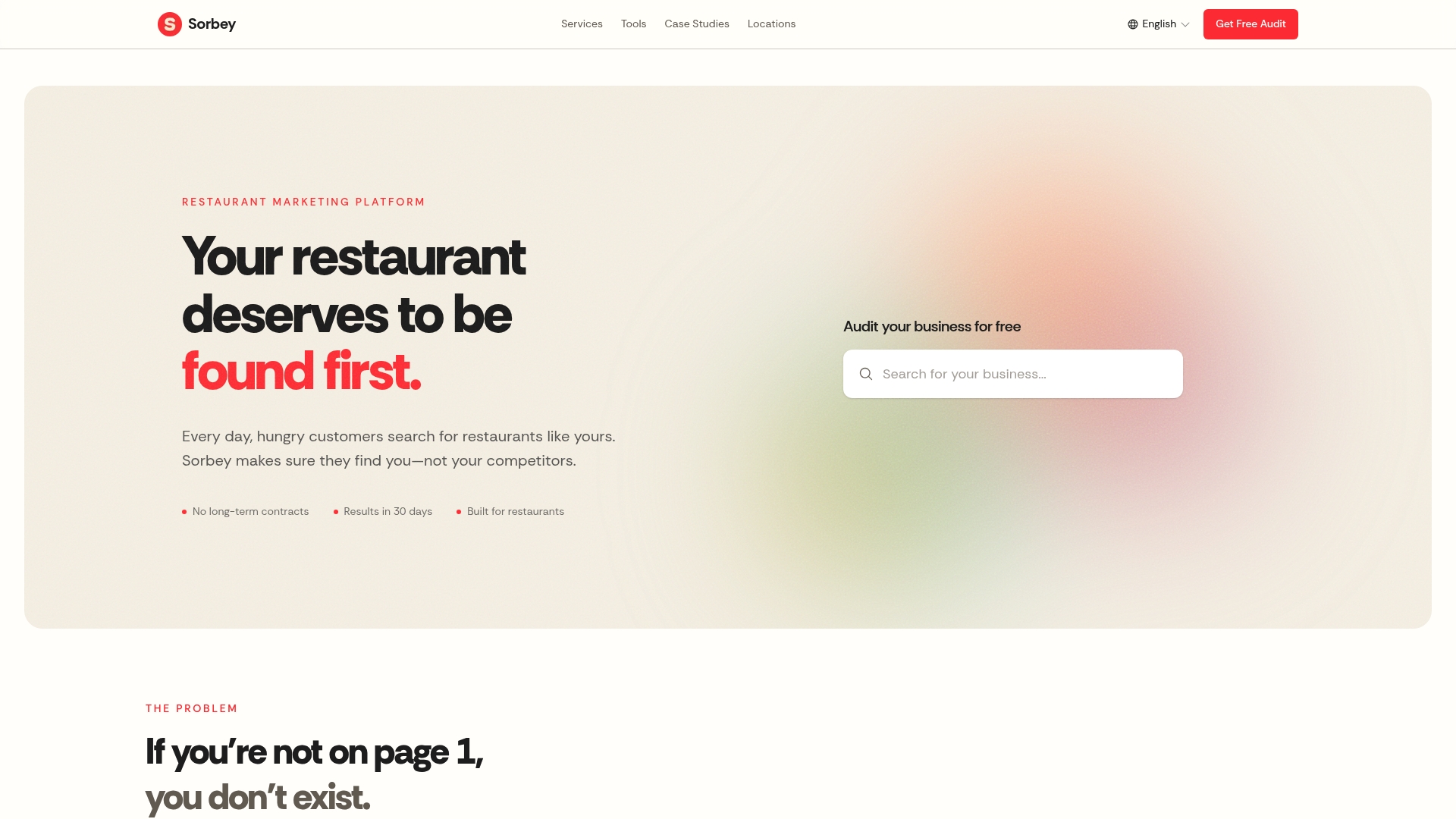
Sorbey’s restaurant marketing solutions are built specifically for busy restaurant owners who want results without spending hours every week managing platforms. From GBP optimization to review management and local campaign setup, everything on this checklist can be handled in one place. You can even use our free marketing ROI calculator to see exactly how much additional revenue better local visibility could generate for your specific location. The tools are ready. The only step left is starting.
Frequently asked questions
What is the most important digital marketing step for a restaurant?
Completing and optimizing your Google Business Profile is the single most impactful action for local restaurant visibility. A complete and well-maintained GBP consistently drives more discovery than almost any other digital channel.
How often should a restaurant update its digital menu and photos?
Menus and photos should be reviewed and updated at least monthly or whenever there’s a new dish or menu change. Actively managing menu content in GBP keeps your profile relevant and accurate for potential customers.
Does responding to reviews really affect search ranking?
Yes, review responses and ratings are important local SEO signals, and replying regularly can boost your search ranking. Google explicitly recommends that businesses reply to reviews and treat them as an active part of their local presence strategy.
What digital marketing channels work fastest to fill seats?
Local campaigns on Google and social media, combined with GBP posts about offers or events, can quickly drive new customer interest. Using Order with Google and Reserve with Google alongside targeted local ads delivers the fastest results for most restaurant owners.
Recommended
Potrebbe interessarti anche
Best Restaurant Loyalty Programs 2026: ROI Guide
Discover the best restaurant loyalty programs 2026 that boost repeat visits. Learn how Sorbey’s platform can transform your guest data strategy!

Why Mobile Marketing Matters for Business Growth
Discover why mobile marketing matters for business growth. Learn how optimizing for mobile drives traffic, conversions, and customer retention.

SF Dim Sum Restaurant Marketing Checklist for 2026
Transform your SF dim sum with our 2026 marketing checklist. Optimize your profile, showcase dishes, and attract customers fast!